Construction Cost Code Template for Custom Home Builders
You know the last build made money. You don't know which part of it did.
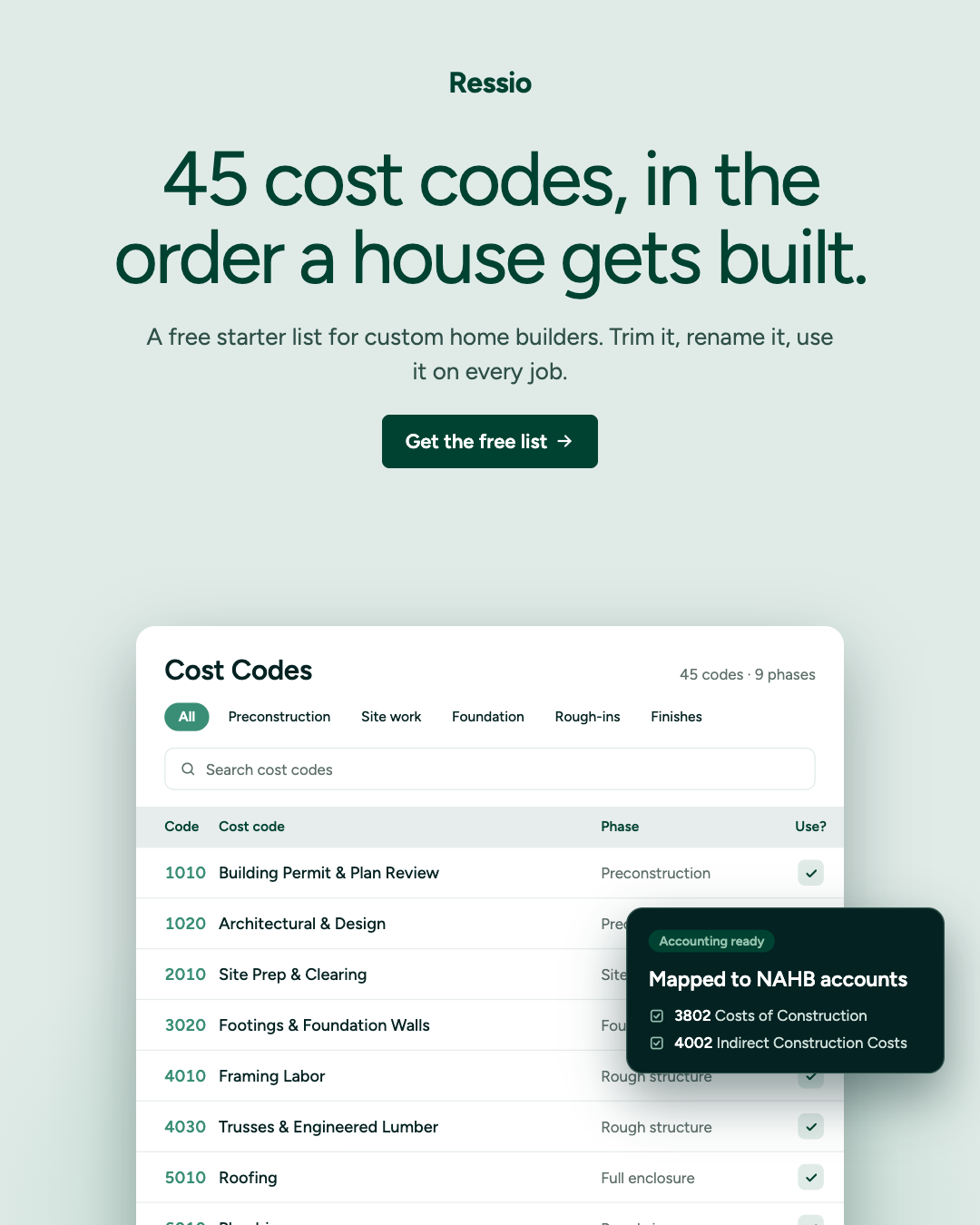
What's in the list
- 45 cost codes across nine phases, permits through punch list
- The cost types to split each code by: labor, material, subcontractor, equipment, other
- A simple note on what belongs in every code
- A column mapping each code to the NAHB Chart of Accounts — 3802 for direct costs, 4002 for job overhead
- A QuickBooks Online setup guide: which job field to use on your plan, plus six setup steps
- A QuickBooks mapping tab with a suggested item, account, and class for every code, filled in from your edits
- Blank columns for your own numbers and your crew's names for things
- Opens in Excel or Google Sheets
How to use it
- Mark N on work you don't do. Most custom builders land at 25 to 40 active codes.
- Renumber and rename. Match what your bookkeeper and your crew already say.
- Set up QuickBooks once. Follow the setup tab, then create one item per code from the mapping tab. At setup, not per invoice.
- Build your estimate on the same codes. The estimate becomes the budget.
- Freeze the list. Add codes at the start of a job, never mid-build.